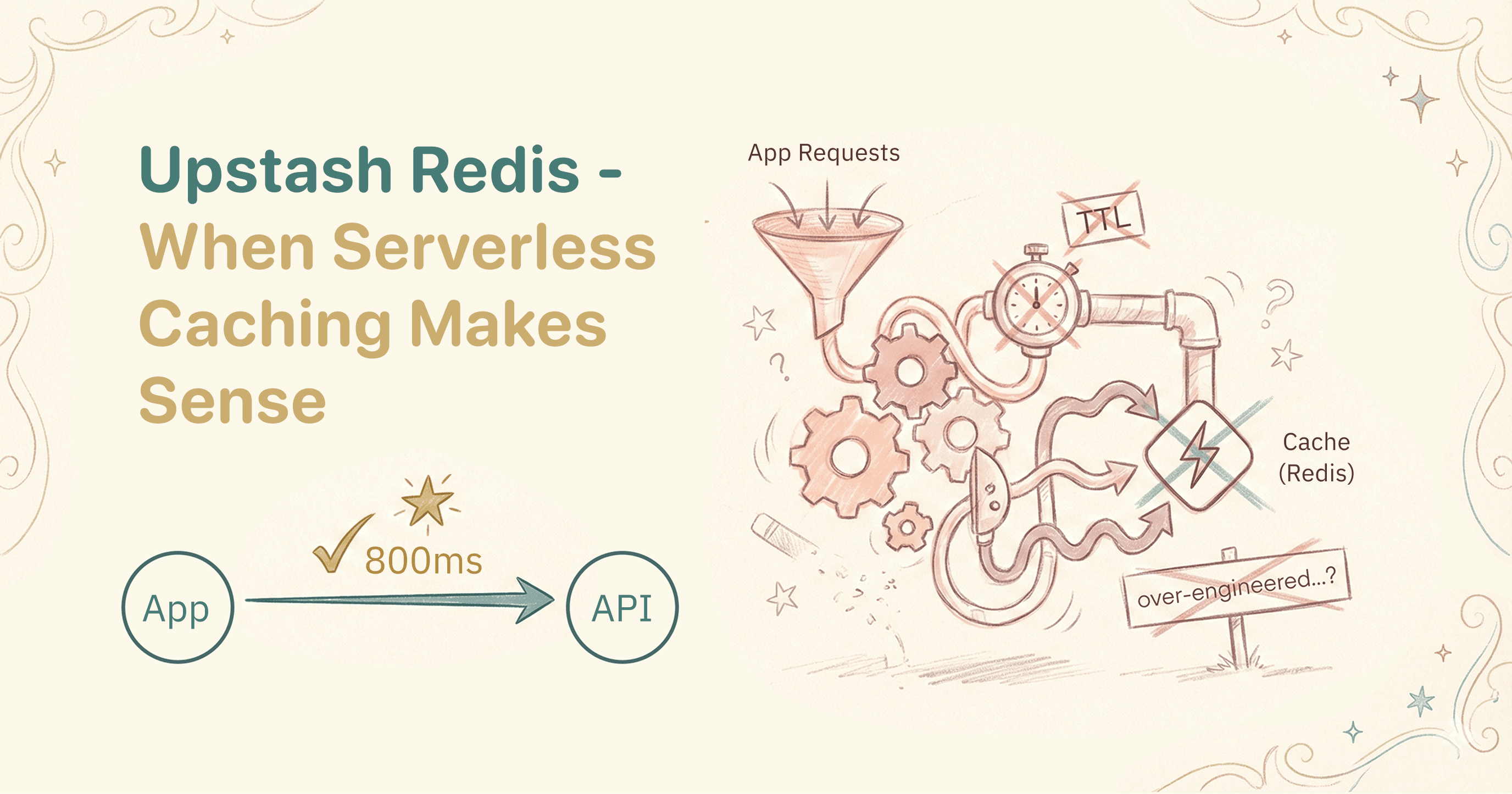
I added Upstash Redis to my Next.js app to solve a performance problem. Two months later, I removed it entirely. This is the story of when caching makes sense, when it doesn't, and how to know the difference.
What is Upstash Redis?
If you've used Redis before, you know it's an in-memory data store that's fast - really fast. Traditional Redis requires a persistent connection, which creates problems in serverless environments. Every function invocation might spin up a new connection, and you quickly hit connection limits.
Upstash solves this by providing Redis through a REST API. No connection management. No connection pooling headaches. You make HTTP requests, and Upstash handles everything else.
The pitch is compelling:
- Serverless architecture (works with Vercel, Cloudflare Workers, edge functions)
- Generous free tier (10,000 commands/day)
- Pay-per-request pricing
- Global replication for low latency
For a Next.js app on Vercel, it seemed like the perfect fit.
The problem I was trying to solve
I was building a booking platform that integrated with Zoho Bookings. The flow was: user selects a date, the app fetches available time slots from Zoho, user picks a slot and books.
The Zoho API was slow. Not unusably slow, but noticeable - maybe 800ms to 1.2 seconds per request. When a user clicks through a calendar, that latency adds up. Click Monday, wait. Click Tuesday, wait. Click Wednesday, wait.
The obvious solution: cache the availability data. Slots don't change that often. If I cache them for 5-10 minutes, users get instant responses on repeated requests, and I reduce load on the Zoho API.
I started with a performance optimization sprint that included:
- MongoDB indexes and aggregation pipelines
- Bundle size reduction (lazy loading heavy components)
- Image optimization
- And caching - first with ioredis, then migrated to Upstash
Setting up Upstash
The setup was straightforward. Sign up, create a database, get your credentials:
UPSTASH_REDIS_REST_URL=https://your-database.upstash.io
UPSTASH_REDIS_REST_TOKEN=your-token-here
Create a client:
// lib/redis.ts
import { Redis } from '@upstash/redis';

if (!process.env.UPSTASH_REDIS_REST_URL || !process.env.UPSTASH_REDIS_REST_TOKEN) {
  throw new Error('Please define UPSTASH_REDIS_REST_URL and UPSTASH_REDIS_REST_TOKEN');
}

const redis = new Redis({
  url: process.env.UPSTASH_REDIS_REST_URL,
  token: process.env.UPSTASH_REDIS_REST_TOKEN,
});

export default redis;
Then I built a cache utility with stale-while-revalidate - a pattern where you serve stale data immediately while fetching fresh data in the background:
export async function getCachedWithRevalidate<T>(
  key: string,
  fetcher: () => Promise<T>,
  ttl: number,      // Time to live in seconds
  staleTime: number // How long stale data is acceptable
): Promise<T> {
  try {
    const cached = await redis.get<string>(key);

    if (cached) {
      const data = JSON.parse(cached);
      const ttlRemaining = await redis.ttl(key);

      // If data is stale but within acceptable range, revalidate in background
      if (ttlRemaining < 0 && ttlRemaining > -staleTime) {
        fetcher().then((fresh) => {
          if (fresh != null) {
            redis.set(key, JSON.stringify(fresh), { ex: ttl }).catch(console.error);
          }
        }).catch(console.error);
      }

      return data;
    }

    // No cached data, fetch fresh
    const fresh = await fetcher();
    if (fresh != null) {
      await redis.set(key, JSON.stringify(fresh), { ex: ttl });
    }
    return fresh;

  } catch (error) {
    console.error('Cache error:', error);
    // Fallback to direct fetch if cache fails
    return fetcher();
  }
}
Then I wrapped my Zoho API calls:
const cacheKey = `zoho:availability:${dateKey}:${serviceId}`;

const availableSlots = await getCachedWithRevalidate(
  cacheKey,
  async () => {
    return await zohoClient.getAvailableSlots(serviceId, staffId, dateStr, 'staff');
  },
  300, // 5 minutes TTL
  600  // 10 minutes stale time
);
On paper, this was solid. Cache availability for 5 minutes. Users get instant responses. Zoho API gets fewer requests. Everyone wins.
The first problem: null values
A week after deploying, I started seeing errors in my logs:
ERR null args are not supportedThe issue: sometimes the Zoho API returned null or an empty array, and I was trying to cache that. Upstash doesn't like caching null values.
The fix was simple - check before caching:
const fresh = await fetcher();
if (fresh != null) {
  await redis.set(key, JSON.stringify(fresh), { ex: ttl });
}
But this was a warning sign I didn't fully appreciate at the time. The Zoho API was inconsistent. Sometimes it returned slots, sometimes null, sometimes an empty array, sometimes an object with an empty array inside. Each variation needed handling.
The second problem: debugging cache behavior
When users reported that available slots weren't showing correctly, I couldn't tell if the problem was:
- Zoho returning bad data
- My cache serving stale data
- Something else entirely
I added extensive logging:
console.error(`[Zoho] Step 12: Cache key: ${cacheKey}`);
console.error(`[Zoho] Step 13: Calling getCachedWithRevalidate...`);

const availableSlots = await getCachedWithRevalidate(
  cacheKey,
  async () => {
    console.error(`[Zoho] Step 14: Inside fetcher, calling Zoho API...`);
    const slots = await zohoClient.getAvailableSlots(...);
    console.error(`[Zoho] Step 15: Received slots from Zoho:`, slots);
    return slots;
  },
  300,
  600
);

console.error(`[Zoho] Step 16: After getCachedWithRevalidate, slots:`, availableSlots);
Sixteen log statements to trace a single cache operation. That's a smell.
The caching layer was supposed to be invisible. Instead, it was a source of mystery when things went wrong. Was the user seeing cached data? Fresh data? Stale data being revalidated? Without checking logs, I couldn't know.
The third problem: cache invalidation
What happens when availability actually changes? Someone books a slot, and now that slot should disappear from the available list.
With my 5-minute cache, users could still see - and try to book - slots that were already taken. The Zoho API would reject the booking, but from the user's perspective, they saw an available slot and couldn't book it. Confusing.
The "proper" solution involves cache invalidation: when a booking happens, delete the relevant cache keys. But which keys? I'd have to track every possible cache key format, handle edge cases around date boundaries, and ensure the invalidation happens reliably across serverless function invocations.
For a simple booking feature, the caching layer was accumulating complexity faster than it was saving time.
The product changed
While I was debugging cache issues, the product direction shifted.
My original plan was complex: customers select a therapy package, pay via Stripe, manage their bookings through a dashboard. The Zoho API latency mattered because users would be clicking around a lot.
My client's feedback changed that. The multi-step booking flow felt too complicated. It might hurt conversions. Instead, we simplified to a free introductory call - no payment, no package selection, just pick a time and book.
With the simpler flow:
- Users typically book once, not browse multiple dates
- Cache hit rates would be low (each booking is different)
- The latency of one Zoho API call (800ms) was acceptable
- No Stripe fees to worry about (3-4% saved)
The elaborate caching infrastructure I'd built was solving a problem that no longer existed.
The removal
When I converted my monorepo to a single app, I removed Upstash entirely:
// Before: with caching
const cacheKey = `zoho:availability:${dateKey}:${serviceId}`;
const availableSlots = await getCachedWithRevalidate(
  cacheKey,
  async () => {
    return await zohoClient.getAvailableSlots(serviceId, staffId, dateStr, 'staff');
  },
  300,
  600
);

// After: direct API call
const availableSlots = await zohoClient.getAvailableSlots(
  serviceId,
  staffId,
  zohoDateStr,
  'staff'
);
Simpler. Easier to debug. One less service to configure and monitor.
The performance impact? Negligible for the actual user experience. The booking flow went from 9.4 seconds to 2-3 seconds - but most of that improvement came from other optimizations (removing authentication, simplifying the flow, better API integration), not from caching.
When Upstash makes sense
I'm not saying Upstash is bad. It's great software for the right use cases:
High-traffic read-heavy applications. If you have thousands of users hitting the same data - product catalogs, public content, configuration - caching pays off immediately.
Expensive computations. If generating a response takes 5 seconds of compute time, caching it for an hour saves real money and improves user experience.
Rate-limited APIs. If your third-party API limits you to 100 requests/minute and you're hitting that limit, caching is essential.
Session storage in serverless. Upstash works great for storing session data, rate limiting, and feature flags in serverless environments.
When cache invalidation is simple. If your data changes on a predictable schedule (daily, hourly) rather than on user actions, cache management is straightforward.
When to skip caching
Low-traffic applications. If you're getting 100 requests/day, the added complexity isn't worth it. Just make the API call.
When cache invalidation is complex. If data changes based on user actions and you need real-time accuracy, caching creates more problems than it solves.
When latency is acceptable. An 800ms API call feels slow, but if users only make that call once per session, it's fine.
When the product is still evolving. Adding infrastructure for optimizations that might not matter after the next pivot is wasted effort.
When debugging becomes harder. If you're adding extensive logging to trace cache behavior, the complexity has exceeded the benefit.
Lessons learned
Measure first. I added caching because I assumed the Zoho latency was a problem. I should have measured actual user behavior first. Were users really clicking through multiple dates? How often did they experience the latency?
Complexity has ongoing costs. Setting up Upstash took an hour. Debugging the null caching issue took half a day. Adding cache logging took another hour. Removing it when it wasn't needed took more time. Each layer of infrastructure requires maintenance.
Cache for traffic, not for feelings. 800ms feels slow to a developer watching the network tab. But if users only experience that latency once, on a single page, it's probably fine.
Match infrastructure to product stage. A sophisticated caching layer makes sense for a product with thousands of users. For an early-stage product still finding its market, simplicity wins.
It's okay to remove things. I felt attached to the caching layer because I'd built it. But unused infrastructure is just complexity waiting to break. Removing it was the right call.
The current state
My app no longer uses Upstash or any Redis caching. Zoho API calls go directly to Zoho. The code is simpler. Debugging is easier. One fewer service to monitor.
If traffic grows significantly, I might add caching back. But I'll wait until I have actual data showing it's needed - not just a feeling that things should be faster.
Key takeaways
Sometimes the best optimization is removing the optimization you added.
- Upstash is excellent for serverless Redis, but not every app needs caching
- Cache debugging complexity can exceed the performance benefits
- Product changes can make optimizations irrelevant
- Measure actual user behavior before optimizing
- Simpler is often better for early-stage products